
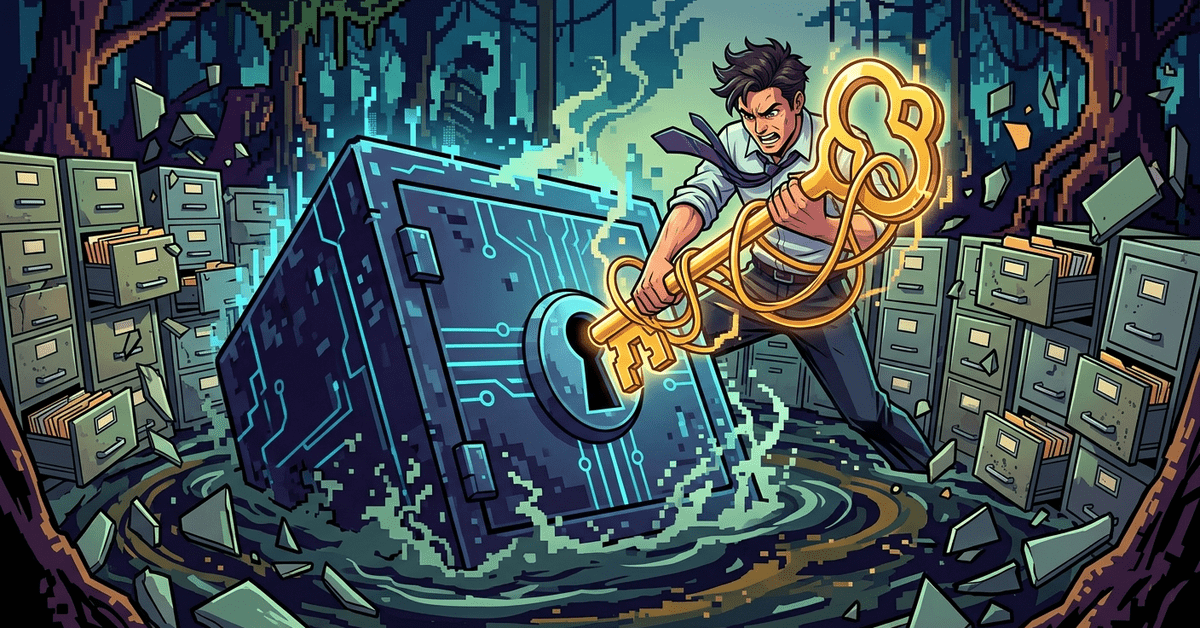
In July 2020, Garmin got hit with WastedLocker ransomware. Their website, their fitness apps, their pilot flight planning tools, their customer service, all of it was offline for about a week. Reuters covered the outage. Users couldn’t sync their watches. Pilots couldn’t file flight plans. Garmin had backups. That was never the problem.
The problem was that restoring from backup across thousands of production servers takes a very long time, and during that time, your business is on fire.
Every firm I talk to has some kind of backup. Most have multiple backups. Most have never actually done a full restore. Most have no idea how long it would take to get their systems back from backup in a real emergency. That’s the gap that matters, and it’s the one that a lot of IT providers conveniently leave out of their sales pitch.
Backup is storage. Recovery is a plan.
A backup is a copy of your data. A recovery is the process of using that copy to get your business back up and running. Those are not the same thing.
Think about what a real recovery actually involves. If ransomware hits your office on a Wednesday morning, you don’t just click a button and everything’s fine. Somebody has to identify what got encrypted. Somebody has to isolate the infected systems so the backup doesn’t re-infect on restore. Somebody has to decide which backup date is clean, because the ransomware was probably on the network for a week before it detonated, and some of your backups from the last week are probably encrypted too. Somebody has to rebuild servers that had their OS encrypted. Somebody has to restore the data. Somebody has to test that the restored applications actually work, because restored databases aren’t always in a consistent state.
That whole sequence, for a small firm, is realistically days, not hours. For a firm with messy systems or whose IT provider doesn’t actually know what they’re doing, it can stretch to a week or more.
This is the gap between having backups and having a real recovery plan. The CISA guidance on ransomware spells out the whole recovery sequence, and the thing that stands out reading it is how much preparation has to happen before an incident for the recovery to go quickly.
What actually matters for your firm
Three questions. Most IT providers can answer the first one confidently. Fewer can answer the second. Almost none will answer the third without a lot of hedging.
Question one. Do we have backups? Yes, fine, everyone has backups.
Question two. How often do we test restores? Not “is the backup job succeeding.” Actually test that you can take a backup from a specific date and restore it into a working environment. The NIST guidance on contingency planning, SP 800-34, specifies that recovery procedures should be tested, and that the test results should document the actual recovery time. Most small firms do a restore test once a year if they do it at all. The ones that never test are the ones that discover during a real incident that their backup software stopped working six months ago and nobody noticed.
Question three. What is our actual recovery time for a full ransomware scenario? If your entire environment got encrypted on a Tuesday morning, how long until you’re back in business? The honest answer for most small professional services firms is somewhere between four and ten business days. If your IT provider tells you it’s a few hours, ask them when they last tested that. Press them on it. A lot of providers quote theoretical recovery times based on the tools they sell, not on measured performance under realistic conditions.
Immutable backups and the 3-2-1 rule
The old guidance for backup architecture is the 3-2-1 rule. Three copies of your data, on two different kinds of media, one of them offsite. That’s fine for hardware failure. It’s not enough for ransomware, because modern ransomware specifically targets backups.
Ransomware operators have learned to find and encrypt or delete backups before they detonate the main payload. If your backups are sitting on a network share that a compromised admin account can reach, they’ll be gone by the time you need them.
The modern version of the rule adds immutability. One of those three copies needs to be immutable, which means it can’t be altered or deleted by anything, not even an administrator, for a defined retention period. Cloud-based immutable backup is now standard. Veeam, Rubrik, Datto, Wasabi, and most other serious backup vendors offer it. Microsoft 365 has backup vendors built around the same concept.
The Change Healthcare attack in early 2024, covered extensively in SEC filings from UnitedHealth, involved an environment where backups didn’t offer a clean path to quick recovery, and the company ended up paying a ransom to regain access to their systems. A firm with immutable backups that are tested and a documented recovery plan has options during an incident. A firm without those things has one option, which is paying the ransom.
If your current backup setup doesn’t include at least one immutable copy, and doesn’t have a documented, tested recovery time, you don’t have a backup strategy. You have expensive storage. The difference matters only once, on the morning somebody needs to restore everything, and by then it’s too late to fix.
Ask your IT provider when they last tested a full restore. Ask what the documented recovery time is. Ask whether any copy is immutable. If the answers are vague, the recovery plan is vague, which means in a real event you’re going to be making it up as you go, and that’s a very expensive way to run a law firm or a CPA practice.