
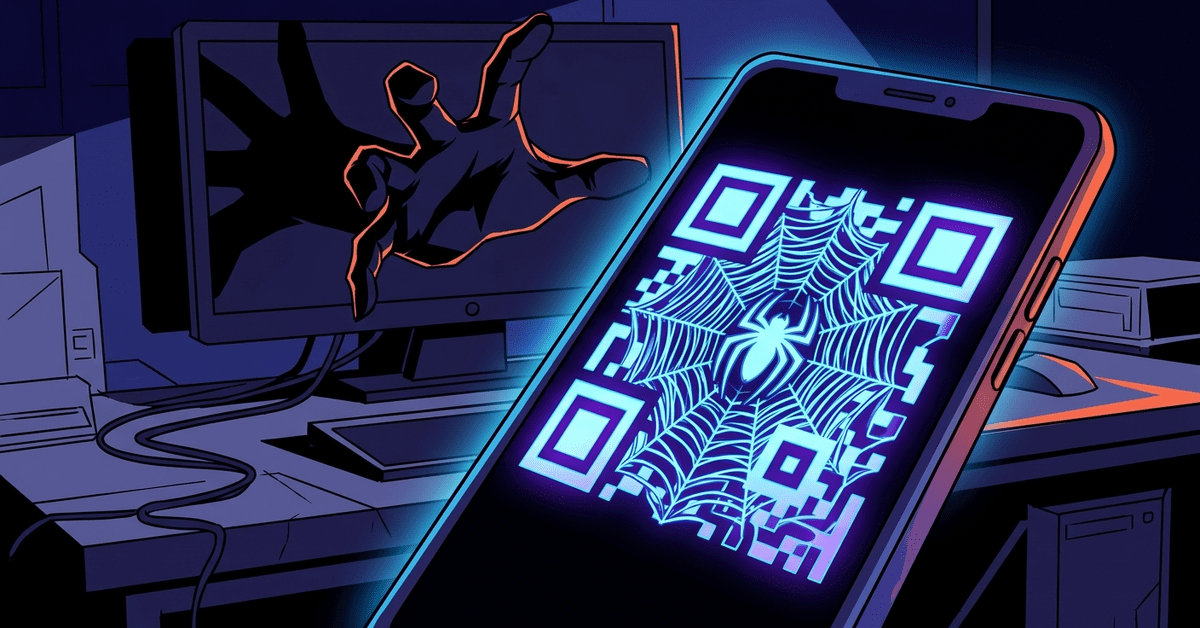
The FBI issued a public service announcement a couple of years ago warning about QR code phishing, and the volume has climbed every quarter since. Vendor research from Proofpoint, Barracuda, and others shows QR-based phishing, which the industry has started calling quishing, rose by several hundred percent between 2022 and 2024.
The mechanism is simple. The attacker sends a phishing email that doesn’t contain a clickable link. It contains a QR code image. The user, trained by years of restaurant menus and event check-ins to scan QR codes without thinking, pulls out their phone, scans the code, and lands on the attacker’s fake login page.
The reason attackers pivoted to this technique is that it bypasses most of the email security your firm has in place.
Email security doesn’t read images
Your Microsoft 365 tenant probably has some level of email protection. It might be Defender for Office 365. It might be Mimecast or Proofpoint or Barracuda. These products are reasonably good at detecting malicious links in email. They check URLs against threat databases. They sandbox attachments. They compare the sending domain against SPF, DKIM, and DMARC records.
What they historically have not done well is read QR codes. A QR code in an email is an image. The security tool sees an image. It might scan for embedded malware in the image file. It generally doesn’t interpret the QR code itself, extract the URL, and check that URL against phishing databases.
That gap is where quishing lives. The email looks clean to the security filter. It has no malicious link, no suspicious attachment. Just an image with some verbiage around it. Maybe “your Microsoft 365 password expires today, scan to reset.” Maybe “your package is held up, scan to confirm delivery.” Maybe “your direct deposit needs to be reconfirmed, scan for the HR portal.”
The email lands in the inbox clean. The user pulls out their phone. Their phone’s camera interprets the QR code and suggests a URL. The user taps to open it. They’re on the attacker’s site, typing their password.
The part that makes this especially bad is that the phone is usually a personal device, not a managed work device. Even firms that have good endpoint security on their laptops often have no visibility into what happens when an employee scans a QR code with their personal iPhone. The attack path deliberately routes around the IT-managed channel.
Vendor response has been uneven
Major email security vendors have been adding QR code scanning to their products, with varying levels of effectiveness. Microsoft announced Defender QR code protection in early 2024, and most of the third-party providers now scan embedded QR codes against their URL reputation databases. If your firm’s email security was configured before about mid-2024, there’s a real chance it doesn’t have QR scanning turned on or isn’t on a license tier that includes it. Worth checking.
The secondary response has been to update phishing training to include quishing as a category. If your firm does phishing simulation (and if you don’t, your cyber insurance will probably require it soon), the simulations should include QR-based lures. If your team is only being tested against “click this link” emails, they’re being trained for last year’s threat.
What to actually do about it
Tell everyone in the firm, in plain terms, that QR codes in emails should be treated as suspicious by default. Not never-scan. Just always-question. If the email came from “Microsoft” or “HR” or “Your IT Provider” and is asking you to scan to fix something urgent, stop and verify out of band. Call the IT provider. Ask HR in person. Check the Microsoft 365 portal directly from your bookmarks.
For recurring patterns, make it a rule that your firm never sends QR codes in email for legitimate business reasons. If nobody at the firm legitimately sends QR codes in email, then any QR code in an incoming email is suspect by default, regardless of who appears to be sending it.
Confirm with your IT provider that your email security includes QR code URL scanning. Ask them to show you. Most modern implementations have a setting that can be turned on or confirmed in the admin console. If your vendor doesn’t offer it, that’s a conversation about whether you’re on the right tool.
For the small firms that have really leaned into mobile-first policies, there’s a harder conversation. If your employees are reading work email on personal phones without any endpoint protection, the quishing attack has essentially zero friction for them. A fake login page renders beautifully on a phone, and a phone-sized browser makes it easier to miss subtle indicators that would be obvious on a laptop. You might want to look at whether personal phones that access firm email should have at least basic mobile device management in place, with some control over where work credentials can be entered.
The technology response to quishing is going to continue to improve. Email security tools are going to get better at catching QR code phishing. Phones are going to get better at warning users about suspicious URLs. But these improvements are incremental, and the attackers will keep finding new variants.
KrebsOnSecurity has a piece from 2024 documenting attackers starting to put QR codes in PDF attachments, or in email footer graphics, or in other places email security tools don’t look. The arms race is active. Your firm’s defense has to be a combination of better tools and better human judgment. The tools alone won’t get there.
Scanning a QR code isn’t inherently risky. Scanning a QR code someone emailed you, from a sender claiming something is urgent and requires you to log in, always is.